

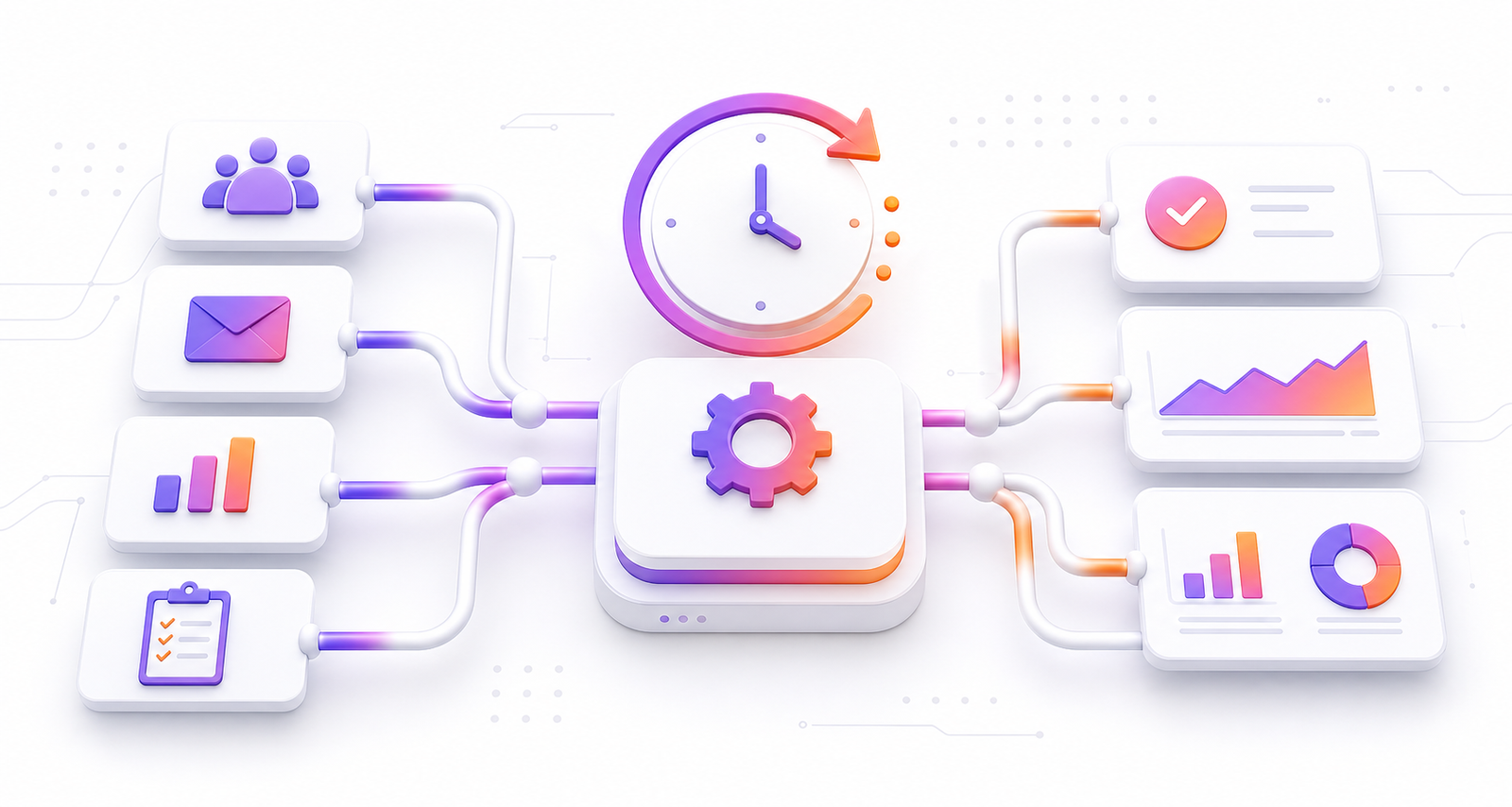
Business automation helps companies save time by reducing repetitive work, improving accuracy, and helping teams focus on important tasks. Many business owners feel busy every day, yet they still struggle to finish the work that truly moves the company forward. Emails pile up. Leads wait too long for replies. Reports take hours. Team members repeat the same tasks again and again.
Also, this is where automation becomes useful. It does not replace good people. Instead, it supports them. It handles routine steps, sends reminders, moves data, updates systems, and keeps workflows running without constant manual effort.
However, in this guide, you will learn what automation means, how it saves time, where businesses can use it, what mistakes to avoid, and how to start with simple automated systems. The goal is to help you understand automation in plain English, even if you are new to the topic.
Table of Contents
- What Is Business Automation?
- Why Manual Work Costs More Than Time
- How Business Automation Saves Time
- Business Automation Areas to Improve First
- Manual Work vs Business Automation
- Step-by-Step Guide
- Key Benefits
- Common Mistakes
- FAQs
What Is Business Automation and Why Does It Matter?
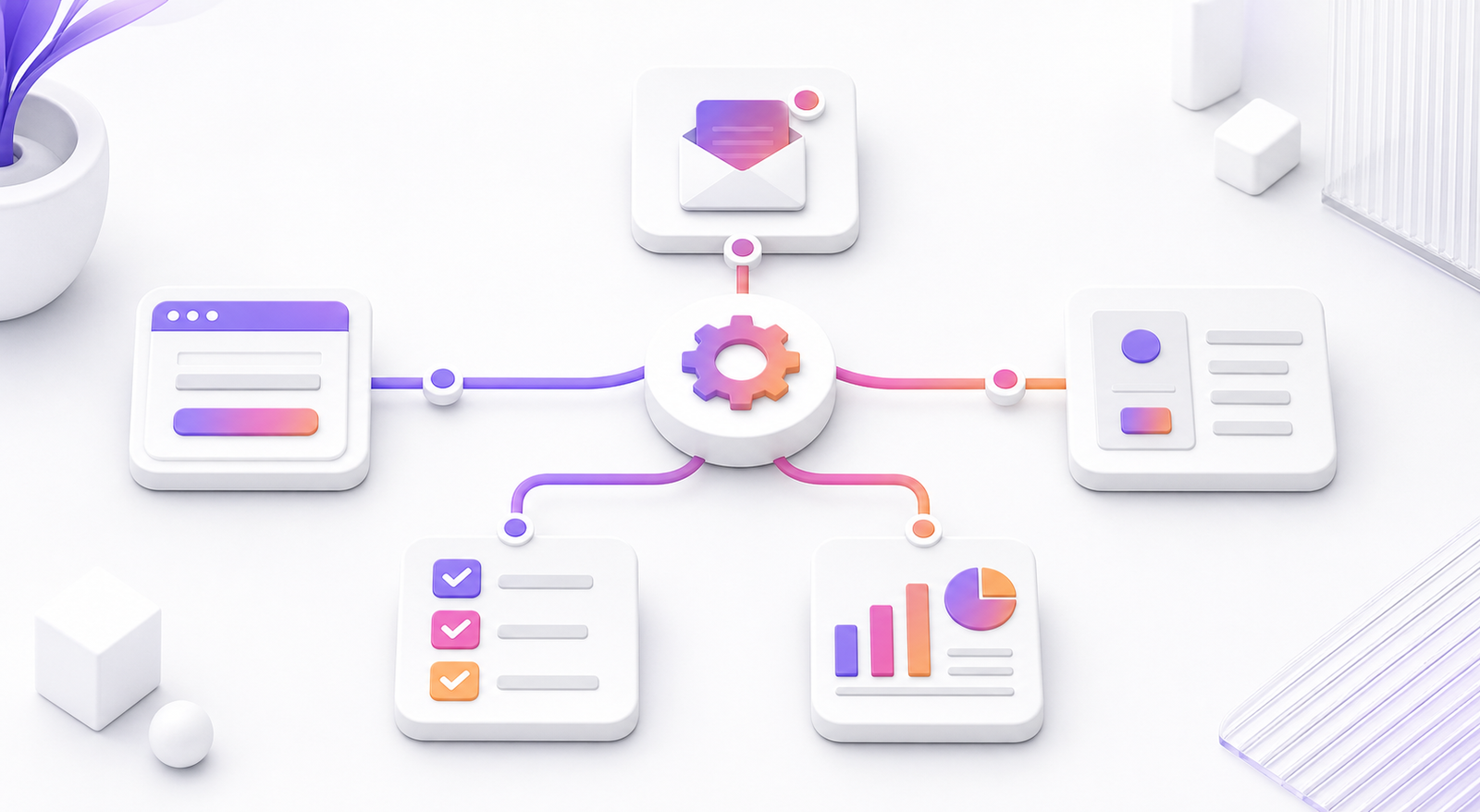
Business automation means using software, systems, and workflows to complete tasks with less manual effort. A task can be simple, like sending a welcome email after someone fills out a form. It can also be advanced, like updating a CRM, assigning a sales lead, sending a proposal, and notifying a manager at the same time.
In addition, automation works best when a task follows a clear pattern. If the same thing happens often, it may be a good candidate for automation. For example, when a customer places an order, the business may need to send a confirmation, update inventory, create an invoice, and alert the delivery team. These steps can happen automatically.
Simple Example
As a result, imagine a service business that receives leads from its website. Without automation, someone checks the inbox, copies the lead details, enters them into a spreadsheet, sends a reply, and reminds the sales team. With automation, the form can send the lead to a CRM, email the customer, notify the sales team, and create a follow-up task within seconds.
For example, that single workflow may save only a few minutes each time. However, when it happens every day, the time savings become serious. More importantly, the business responds faster and looks more professional.
Why Manual Work Costs More Than Time Without Business Automation
Therefore, manual work does not only take time. It also creates hidden costs. When people repeat the same tasks all day, they have less energy for planning, selling, serving customers, and improving the business. Small delays can also create bigger problems.
For example, a slow response to a new lead can reduce trust. A missed invoice can delay payment. A forgotten follow-up can lose a customer. Meanwhile, one wrong spreadsheet entry can create confusion across the team.
Manual Work Creates Bottlenecks
Moreover, a bottleneck happens when work slows down because one step depends on a person doing it manually. This is common in small and growing businesses. One person may be responsible for approvals, reports, customer replies, task updates, and billing. When that person is busy, the whole process slows down.
Meanwhile, automation reduces bottlenecks by moving routine work forward. It can send reminders, trigger approvals, update records, and keep people informed. As a result, the team spends less time chasing information.
Manual Work Increases Errors
Because of this, even skilled people make mistakes when they repeat tasks. Copying data between systems, typing email addresses, updating order details, and preparing reports can all lead to errors. In addition, automation reduces these mistakes because data moves through a defined process.
Overall, according to IBM’s explanation of business automation, automation can improve efficiency and consistency across business processes. That consistency is important because it helps teams trust the system.
How Business Automation Saves Time for Teams
Business automation saves time in many practical ways. Some savings are easy to measure. Others show up as smoother teamwork, faster customer service, and fewer repeated questions.
1. It Reduces Repetitive Admin Tasks
Also, admin work is necessary, but it can take over the day. For example, automation can help with tasks like:
- Sending appointment reminders
- Creating invoices
- Updating customer records
- Sending onboarding emails
- Assigning tasks to team members
- Collecting form submissions
- Sending status updates
However, these tasks often feel small. But together, they can consume many hours each week. Automation gives that time back to the team.
2. It Speeds Up Customer Response
In addition, customers expect quick replies. If a lead fills out a form and waits two days for a response, they may contact another company. Automation can send an instant confirmation, route the lead to the right person, and create a follow-up task.
As a result, this does not mean every message should feel robotic. A good automated response should be helpful, clear, and human. It should tell the customer what happens next and when they can expect a reply.
3. It Connects Your Tools
For example, many businesses use several tools. They may have a website, CRM, email platform, payment system, calendar, chat tool, and project management app. If these tools do not connect, the team wastes time moving data manually.
Therefore, automation connects these tools. For example, a new website inquiry can become a CRM lead, a Slack notification, a calendar task, and an email sequence. Tools like Zapier’s automation resources explain how connected workflows can reduce manual handoffs.
4. It Improves Team Handoffs
Therefore, work often moves between people. A lead may move from marketing to sales. A project may move from sales to design. For example, a support ticket may move from customer service to a technical team. Each handoff can create delays if it depends on memory or manual messages.
Because of this, automation makes handoffs clearer. It can assign the next task, notify the next person, attach the right details, and set a deadline. This helps work move without confusion.
5. It Makes Reporting Faster
Moreover, reports help business owners make decisions. However, manual reporting can take hours. Teams may need to gather data from different tools, clean it, format it, and share it.
Moreover, automation can update dashboards, send weekly reports, and track key numbers. This gives leaders faster insight. It also reduces the risk of decisions based on outdated information.
Business Automation Areas to Improve First
Meanwhile, automation can support almost every department. The best place to start depends on your goals. If you want more sales, start with lead follow-up. If you want better service, start with customer support. Therefore, if you want fewer delays, start with project workflows.
Marketing Automation for Better Business Automation Results
Because of this, marketing automation helps attract and nurture leads. It can send email sequences, segment audiences, score leads, and track campaign activity. For example, a visitor downloads a guide. The system can send a thank-you email, share related content, and notify sales if the lead shows strong interest.
Overall, HubSpot’s guide to marketing automation is a useful resource for understanding how automated marketing supports lead nurturing.

Sales Automation That Saves Business Time
Also, sales teams can automate lead assignment, follow-up reminders, proposal creation, and pipeline updates. This helps salespeople spend more time talking to prospects and less time updating systems.
Customer Support Automation for Faster Service
However, support automation can create tickets, route issues, send status updates, and suggest help articles. It can also help teams respond faster without losing a personal touch.
Finance Automation
In addition, finance automation can help with invoices, payment reminders, expense tracking, and receipts. This reduces late payments and saves time during monthly reporting.
Project Management Automation
As a result, project workflows can automate task creation, status updates, deadline reminders, and client notifications. This helps managers keep projects moving without constant manual follow-up.

Manual Work vs Business Automation: Which Saves More Time?
| Feature | Manual Work | Business Automation |
|---|---|---|
| Speed | Depends on staff availability | Runs instantly after a trigger |
| Cost | Higher labor cost over time | Lower cost for repeated tasks |
| Accuracy | More risk of human error | Consistent rules reduce mistakes |
| Scalability | Harder to manage as work grows | Handles higher volume more easily |
| Customer Experience | Can be slow or inconsistent | Faster replies and clear updates |
| Best For | Creative decisions and personal service | Repeatable steps and routine workflows |
For example, this comparison shows that automation is not about removing people from the business. It is about using people where they add the most value. Manual work is still important for strategy, creativity, and relationships. Automation is best for repeatable steps that slow people down.
Step-by-Step Guide to Start With Business Automation
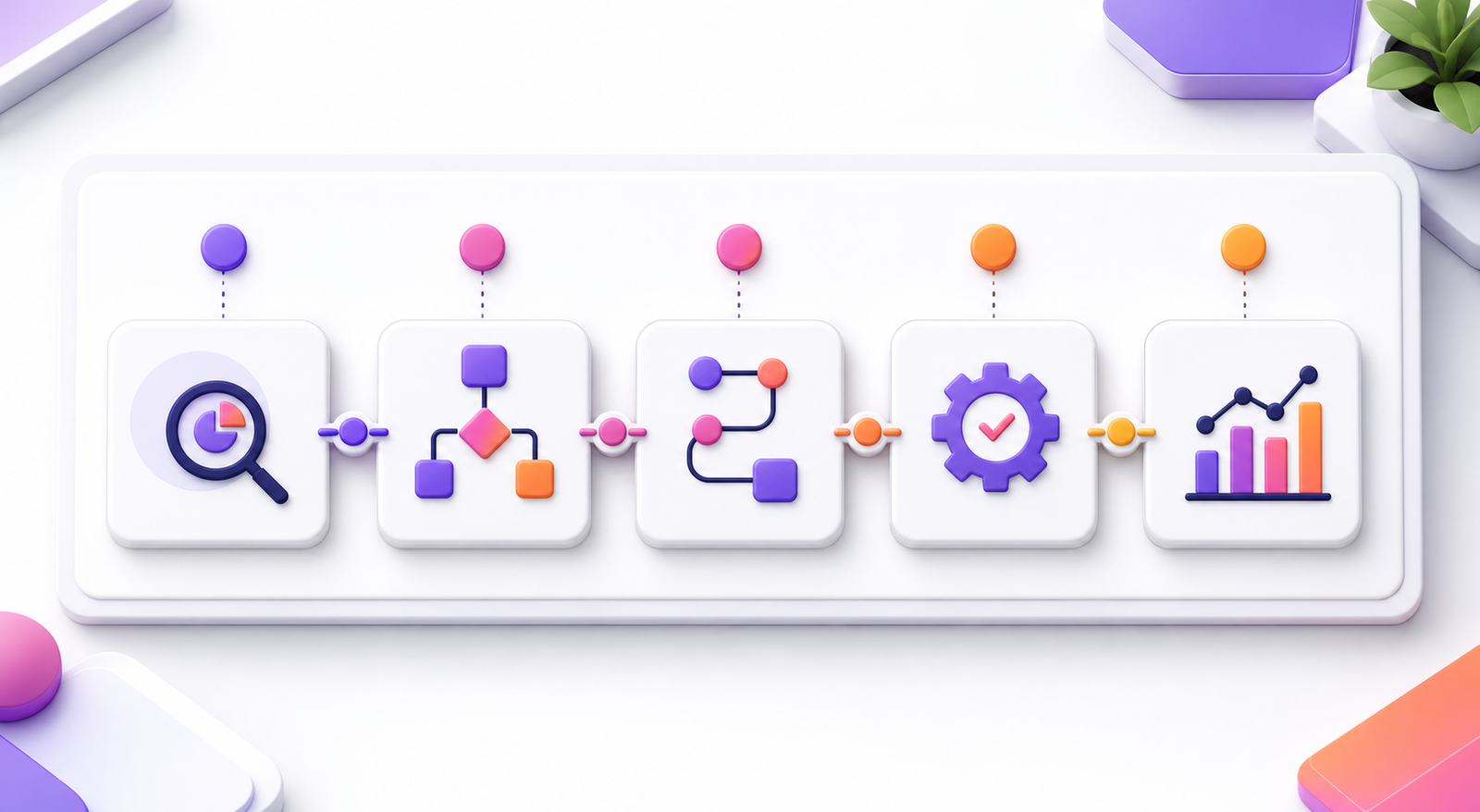
Step 1: List Repetitive Tasks
First, write down tasks your team repeats every day or every week. Look for tasks that involve copying data, sending the same message, creating reminders, or updating records.
Step 2: Choose One High-Impact Workflow
Next, do not automate everything at once. Choose one workflow that wastes time or causes delays. Lead follow-up is often a smart starting point because it can improve sales and customer experience quickly.
Step 3: Map the Current Process
Therefore, after that, write each step in the current process. Include who does the task, what tool they use, and what happens next. This map helps you see where automation can help.
Step 4: Define the Trigger and Action
Then, remember that every automation needs a trigger and an action. A trigger is the event that starts the workflow. An action is what happens next. For example, the trigger is a website form submission. The action is creating a CRM lead and sending an email.
Step 5: Test Before You Rely on It
Finally, test your automation with sample data. Check every step. Make sure messages are correct, data goes to the right place, and team members receive useful notifications.
Step 6: Improve Over Time
Moreover, automation should improve as your business grows. Review your workflows often. Remove steps that no longer matter. Add new steps when they save time or improve service.
`n
Key Benefits of Business Automation for Growing Companies
- More time for important work: Teams can focus on planning, selling, service, and growth.
- Faster customer response: Leads and customers receive updates without delay.
- Fewer errors: Data moves through clear rules instead of manual copying.
- Better team communication: Notifications and task assignments keep people informed.
- Improved scalability: The business can handle more work without adding the same amount of manual effort.
- Clearer reporting: Automated dashboards help leaders make faster decisions.
Common Business Automation Mistakes to Avoid
Automating a Broken Process
Meanwhile, if a process is confusing, automation will not fix it. It may only make the confusion happen faster. First, simplify the process. Then automate it.
Using Too Many Tools
Because of this, too many tools can create more work. Choose tools that connect well and support your actual workflow. A simple system that works is better than a complex system nobody uses.
Ignoring the Human Experience
Overall, automation should still feel helpful and human. Customers should not feel trapped in a cold system. Use clear language, give options, and make it easy to reach a real person when needed.
Not Testing Enough
Also, always test before launching. A small mistake in an automated workflow can affect many customers. Testing protects your brand and your team.
Best Practices for Successful Business Automation
- Start with one workflow.
- Keep the process simple.
- Use clear triggers and actions.
- Write human-friendly messages.
- Test with real examples.
- Track time saved.
- Review workflows every month.
- Keep a manual backup for important tasks.
However, google also shares useful guidance on measurement and digital performance through Google Analytics resources. When your automation connects with clear data, you can see what works and what needs improvement.

How Zevanta Digital Helps With Business Automation
In addition, zevanta Digital helps businesses design, build, and improve automation systems that save time and support growth. Our team can connect websites, CRMs, forms, email tools, dashboards, and project systems so your workflow becomes easier to manage.
As a result, we focus on practical automation. That means we look at your current process, find the biggest time drains, and build workflows that make daily work smoother. Whether you need lead automation, CRM automation, website automation, or reporting automation, the goal is simple: save time and create a better customer experience.
For example, you can also explore related services on Zevanta Digital, such as digital services, AI services, contact and consultation, and our team members.
Frequently Asked Questions
FAQ 1: What is business automation?
Business automation is the use of software and workflows to complete repeatable tasks with less manual effort. It can help with emails, CRM updates, invoices, reporting, lead follow-up, and project tasks.
FAQ 2: How does business automation save time?
It saves time by handling routine steps automatically. For example, it can send emails, update customer records, assign tasks, and notify team members without manual work.
FAQ 3: Is automation only for large companies?
No. Small businesses can benefit from automation too. In fact, small teams often save the most time because they have fewer people handling many tasks.
FAQ 4: What business tasks should I automate first?
Start with tasks that are repeated often and cause delays. Common starting points include lead follow-up, appointment reminders, CRM updates, invoices, and customer onboarding emails.
FAQ 5: Can automation improve customer service?
Yes. Automation can send faster replies, route support requests, provide status updates, and make sure no customer inquiry is missed.
FAQ 6: How can Zevanta Digital help my business?
Zevanta Digital can review your workflow, identify time-consuming tasks, and build automation systems that connect your website, CRM, email tools, forms, and business operations.
{ "@context": "https://schema.org", "@type": "FAQPage", "mainEntity": [ {"@type":"Question","name":"What is business automation?","acceptedAnswer":{"@type":"Answer","text":"Business automation is the use of software and workflows to complete repeatable tasks with less manual effort."}}, {"@type":"Question","name":"How does business automation save time?","acceptedAnswer":{"@type":"Answer","text":"It saves time by handling routine steps automatically, such as emails, CRM updates, task assignments, and customer notifications."}}, {"@type":"Question","name":"Is automation only for large companies?","acceptedAnswer":{"@type":"Answer","text":"No. Small businesses can also benefit from automation, especially when small teams manage many repeated tasks."}}, {"@type":"Question","name":"What business tasks should I automate first?","acceptedAnswer":{"@type":"Answer","text":"Start with repeated tasks that cause delays, such as lead follow-up, appointment reminders, CRM updates, invoices, and onboarding emails."}}, {"@type":"Question","name":"Can automation improve customer service?","acceptedAnswer":{"@type":"Answer","text":"Yes. Automation can speed up replies, route support requests, send status updates, and reduce missed inquiries."}}, {"@type":"Question","name":"How can Zevanta Digital help my business?","acceptedAnswer":{"@type":"Answer","text":"Zevanta Digital can review your workflow and build automation systems that connect your website, CRM, email tools, forms, and business operations."}} ] }Conclusion
Business automation helps companies save time, reduce mistakes, and work with more confidence. It is not about replacing people. It is about helping people spend less time on repetitive tasks and more time on work that matters.
The best way to start is simple. Choose one repeated workflow. Map the steps. Define the trigger and action. Test the process. Then improve it over time. With the right approach, automation can support better service, faster growth, and a calmer workday.
Ready to Build Your Website?
If you want a smarter website that saves time, captures leads, and supports your team, Zevanta Digital can help. We build websites, automation systems, CRM workflows, and digital solutions that make business operations easier.
Our team focuses on practical results. We help you reduce manual work, improve customer response, and create systems that support long-term growth. Contact Zevanta Digital today to plan a business automation system that fits your goals.